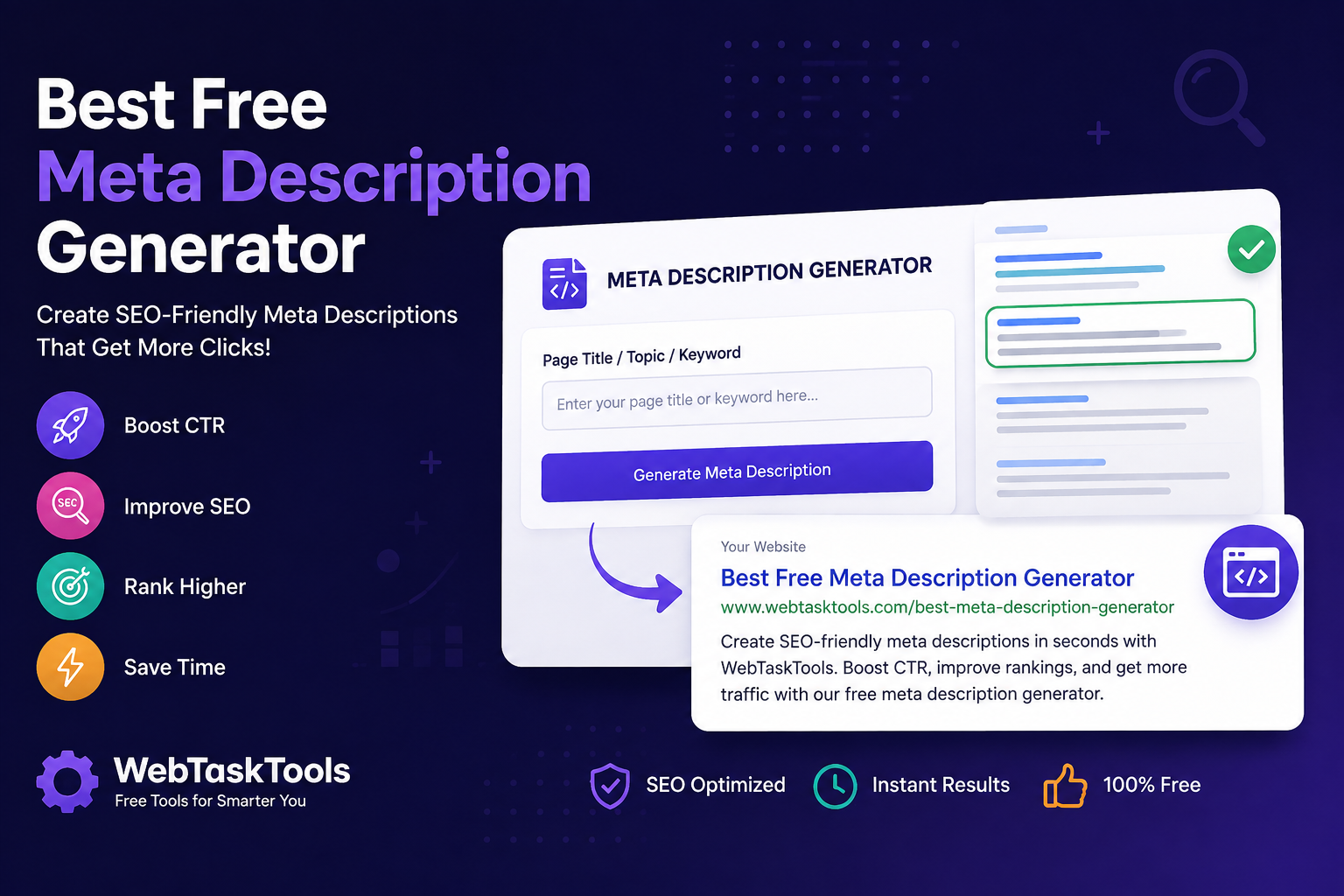
Looking for the best free meta description generator? Learn how to write click-worthy meta descriptions and generate optimized snippets instantly with WebTaskTools.
How to Write Meta Descriptions That Boost Your SEO (2026 Guide)
Quick start: draft your description, then check its length with the free character counter — aim for roughly 150-160 characters.
A compelling meta description can be the difference between someone clicking your website or scrolling past it. While Google doesn't use meta descriptions as a direct ranking factor, they significantly influence your click-through rate (CTR), which can improve your overall SEO performance.
If you're looking for the best free meta description generator, you've come to the right place. In this guide, you'll learn what meta descriptions are, why they matter, best practices, and how you can generate optimized meta descriptions instantly using WebTaskTools.
What Is a Meta Description?
A meta description is a short summary of a webpage that appears below the page title in search engine results.
Its purpose is to:
- Explain what the page is about
- Encourage users to click
- Increase organic CTR
- Improve search visibility
A well-written meta description acts like a mini advertisement for your webpage.
Why Meta Descriptions Matter for SEO
Although Google may rewrite your meta description, writing a relevant and engaging one offers several benefits:
- Improves click-through rates
- Helps users understand your content
- Supports your SEO strategy
- Increases qualified website traffic
- Makes your search listing more attractive
Higher CTR often leads to better long-term search performance.
Characteristics of a Good Meta Description
The best meta descriptions:
- Are between 150-160 characters
- Include the primary keyword naturally
- Clearly explain the page
- Include a call-to-action
- Are unique for every page
- Match the page content
Example:
Learn how to write SEO-friendly blog posts with practical tips, examples, and free tools to improve your Google rankings.
Common Mistakes to Avoid
Many websites lose traffic because they:
- Duplicate meta descriptions
- Stuff keywords unnaturally
- Write descriptions that are too long
- Leave descriptions blank
- Mislead users with clickbait
Avoid these mistakes to improve user experience and search visibility.
Writing Meta Descriptions With Free Tools
Writing optimized meta descriptions manually for every webpage takes time.
Instead, use this free two-tool workflow to craft SEO-friendly descriptions for:
- Blog posts
- Landing pages
- Product pages
- Service pages
- E-commerce stores
- Local business websites
Draft from your page title, primary keyword, or topic; check the length with the Character Counter; then verify the page markup with the Meta Tags Checker - the complete free workflow takes seconds per page.
Check Length with the Free Character CounterBenefits of Using WebTaskTools
WebTaskTools helps marketers, bloggers, business owners, and SEO professionals save time while creating optimized content.
Benefits include:
- Free to use
- Fast generation
- SEO-focused suggestions
- Beginner-friendly interface
- No software installation required
- Works on desktop and mobile
Whether you're optimizing one page or hundreds, WebTaskTools makes the process simple.
Best Practices for Higher Click-Through Rates
To maximize performance:
- Place your primary keyword near the beginning.
- Add action words like Discover, Learn, Compare, or Get.
- Highlight your unique value.
- Match the user's search intent.
- Avoid duplicate descriptions across your website.
Frequently Asked Questions
What is the ideal meta description length?
Google typically displays around 150-160 characters on desktop, although this can vary depending on the device and search query.
Does Google always use my meta description?
No. Google may rewrite it if another snippet better matches the user's search intent.
Can I use AI to write meta descriptions?
Yes. AI writing assistants can help draft descriptions quickly, but always review them for accuracy and relevance - and check the final length with the Character Counter before publishing.
Are meta descriptions a ranking factor?
Not directly. However, better meta descriptions can improve CTR, which contributes to stronger overall SEO performance.
Is WebTaskTools free?
Yes. WebTaskTools offers free online SEO and productivity tools that anyone can use without downloading software.
Final Thoughts
A well-crafted meta description can significantly improve how your pages perform in search results. Instead of spending valuable time writing every description manually, use the Character Counter plus Meta Tags Checker workflow to speed up the process while maintaining quality.
If you are looking for fast, free, and user-friendly tools, WebTaskTools is an excellent choice. Visit WebTaskTools for free tools that support your SEO workflow - character counting, meta tag checking - plus many more free tools for marketers, bloggers, developers, and website owners.
Why Meta Descriptions Matter (and What They Do Not Do)
Let us be precise: meta descriptions are not a direct ranking factor. Google has said so openly, and it often rewrites them anyway. Their power is indirect but real — they are your free ad copy on the search results page. A compelling description earns the click; a missing or dull one hands it to the competitor below you. In that sense, descriptions do not rank you higher — they make your ranking work harder.
Anatomy of a High-CTR Description
Study descriptions that earn clicks and a pattern emerges:
- Front-load the promise: the first 120 characters carry the weight — put the benefit there, because truncation is always possible.
- Match the intent: a searcher wanting a tutorial clicks "step-by-step guide"; a buyer clicks "free shipping." Same page topic, different description.
- One clear differentiator: "no signup," "2026 data," "free template" — give the skimmer a reason to choose you.
- Active voice, plain words: "Learn how to compress images in 30 seconds" beats "A comprehensive overview of methodologies."
- Honest: clickbait descriptions earn the click and lose the visitor in four seconds — and pogo-sticking helps nobody.
The 150-160 Character Guideline, Demystified
The famous length limit is not a rule — it is a display reality. Search engines show roughly 150-160 characters on desktop, fewer on mobile, and they truncate with an ellipsis when you exceed it. The practical approach: draft freely, then use a character counter to trim to the range, keeping the essential promise inside the first 120 characters as insurance. If Google rewrites your description (it does this often, pulling from page content), a well-structured page gives it good material to work with.
Writing Descriptions at Scale
A ten-page site can handcraft every description. A thousand-page site cannot. The scalable system: write a template per page type (product pages, blog posts, category pages), with slots for the unique differentiator of each page. "Buy {product} — {key benefit}. {Secondary detail}." Then spot-check samples with the character counter and meta tags checker. Templates plus human review of the important pages beats both pure-manual (impossible) and pure-auto (soulless).
Descriptions for Different Page Types
- Homepage: who you are, what you do, for whom — the elevator pitch.
- Blog posts: the specific question answered plus the format ("guide," "examples," "checklist").
- Product/tool pages: the job done, the cost ("free"), the friction removed ("no signup").
- Category pages: the range covered and who it is for.
Common Description Mistakes
- Duplicating one description across pages: every page deserves its own; duplicates signal neglect.
- Keyword stuffing: "Free tools, best tools, online tools, web tools" reads as spam to humans and helps nothing.
- Leaving it blank: the engine will write something — usually worse than what you would write.
- Burying the lede: starting with "Welcome to our website" wastes the only visible sentence.
- Ignoring mobile: check how descriptions render on a phone, where most searches happen.
Measuring Whether Descriptions Work
In search console data, compare impressions to clicks per page: high impressions with low clicks means the snippet is losing the auction for attention. Rewrite the description (clearer promise, stronger differentiator), wait a few weeks, and compare again. This single loop — measure, rewrite, measure — is the entire "advanced" technique. Most sites never do it even once, which is why doing it puts you ahead.
A Practical Workflow: From Draft to Published Snippet
Here is the repeatable routine. One: draft the description alongside the article, while the content is fresh in your mind. Two: paste it into the Character Counter and trim to the target range. Three: preview the page with the Meta Tags Checker to catch truncation and encoding issues. Four: publish, then check the live result in actual search results after indexing. Five: revisit quarterly for your most important pages. Five steps, ten minutes, and every snippet on your site earns its place.
Frequently Asked Questions
Should every page have a unique meta description? Ideally yes, at least for pages that matter. Templates cover the long tail.
What if Google rewrites mine? Common and normal — it usually means the page content answered the query better than your description did. Take it as a hint, not an insult.
Do emojis in descriptions help? They can increase visibility but risk looking unprofessional depending on the audience. Test with your own users, not someone else’s case study.
Copywriting Formulas That Fit in 160 Characters
Short commercial copy has classic formulas — and they compress beautifully into descriptions:
- Problem - Agitate - Solve: "Tired of oversized PDFs? Compress them in seconds — free, no signup."
- Feature - Benefit: "Merge PDFs online — combine invoices and contracts into one file in under a minute."
- Number - Promise: "50+ free web tools: PDF, image, SEO, and developer utilities. No installs, no accounts."
- Question - Answer: "Need a QR code fast? Generate scannable codes for links, Wi-Fi, and menus — free."
Pick one formula per page type and stay consistent; readers learn to trust the pattern.
Beyond Descriptions: The Full Snippet
The description is one part of the search snippet. The title tag, URL, publication date, and rich-result enhancements (ratings, FAQs, breadcrumbs via structured data) all share the stage. Optimize them together: a great description under a vague title still loses. Validate any structured data with the JSON Validator & Beautifier before deploying — broken schema is worse than none, because it can suppress the enhancements entirely.
Auditing Descriptions Across a Site
Once a quarter, audit: export your important URLs, check each title and description for uniqueness, length, and honesty, and rewrite the worst offenders. Prioritize pages with high impressions and low clicks — that gap is literally a list of snippets failing at their one job. A focused afternoon on the top twenty pages often moves site-wide click-through more than months of new content.
International and Multilingual Notes
If your pages serve multiple languages, descriptions must be translated — not just the page. Character display widths differ across scripts, so re-check lengths per language with the character counter rather than assuming the English version’s fit transfers. And match the description language to the page language exactly; mixed-language snippets confuse both readers and crawlers.
Real Example: Rewriting a Weak Description
Before: "Welcome to our tools page. We offer many useful online utilities for various tasks and purposes." (118 characters, says nothing, differentiates nothing.) After: "50+ free online tools — merge PDFs, compress images, check SEO, validate JSON. No signup, no installs." (118 characters, specific, benefit-led, friction removed.) Same length, entirely different job done. Run this before/after exercise on your own five most-impressed pages and the improvement is usually obvious before you even check the data.
When Not to Obsess Over Descriptions
Honesty about priorities: if your pages are not being indexed, descriptions are not the problem — fix crawlability first. If your content does not answer the query, no snippet copy will save it. Descriptions are a multiplier on a working foundation, applied after the foundations (indexing, content quality, page speed) are solid. Do them in that order and every minute spent on snippets pays off.
Building the Habit: Snippets as Part of Publishing
One more practical note: keep a swipe file of descriptions you admire in search results — ten examples from your niche, revisited when you write. Studying good snippets is the fastest education in the craft, and it costs nothing but attention. Ten minutes of study per week compounds fast.
The sustainable system is boring on purpose: every new page ships with a drafted description, checked for length, previewed for appearance, and logged for later review. Add it to the publishing checklist next to image compression and internal linking. After three months it is muscle memory; after a year, your entire site has snippets that work as hard as your rankings do. The sites that win search are rarely the cleverest — they are the most consistent at the unglamorous basics.
"You cannot control the ranking. You can control the sentence that appears under it. Write that sentence like it matters — because on the results page, it is the whole product."



