What QR codes are, how they actually work, and when to use static vs dynamic codes a practical guide for anyone printing or sharing one.
You've scanned dozens of them without thinking twice on a restaurant table, a product package, a poster, a business card. QR codes have quietly become one of the most common ways to move someone from the physical world into a website, a Wi-Fi login, or a contact card, all with a single point of a phone camera. But most people who use them every day couldn't explain how they actually work, or when a QR code is genuinely the right tool for the job. Here's a practical breakdown.
Try it right now: the free QR code generator creates scannable codes in seconds.
What a QR Code Actually Is
QR stands for "Quick Response." Unlike a traditional barcode, which stores data in a single line of varying-width bars (and can usually only hold a small string of numbers), a QR code stores data in a two-dimensional grid of black and white squares. That extra dimension is what lets it pack in far more information a QR code can hold a full URL, a block of text, contact details, or even Wi-Fi credentials, while a barcode is typically limited to a product number.
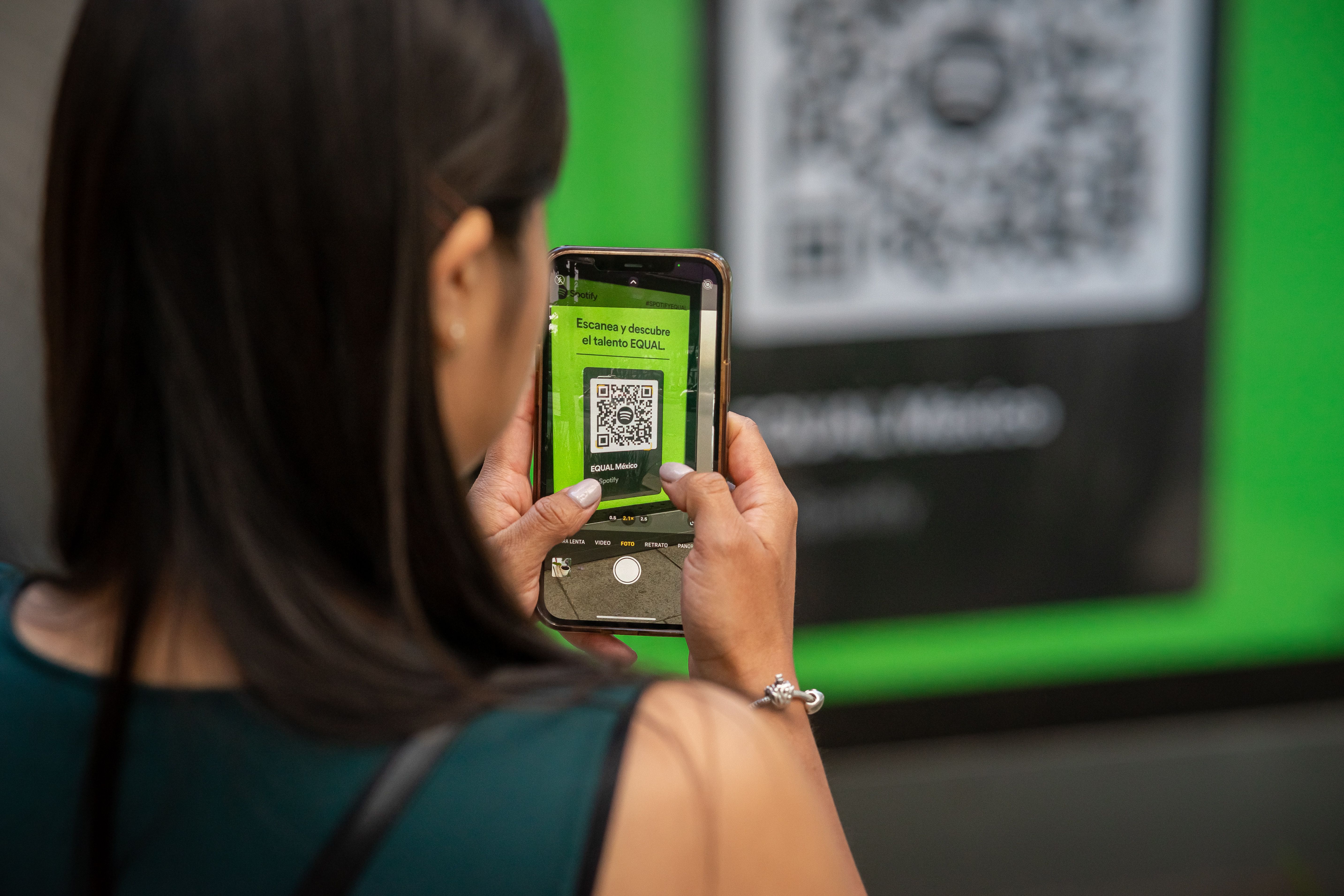
When your phone's camera scans one, it isn't "reading" the pattern visually the way a person would. The camera detects the three large squares in the corners (these help it figure out orientation and size), then decodes the grid of smaller squares into binary data, which gets translated back into whatever was originally encoded a link, a phone number, plain text, and so on.
The Most Common Uses
Linking to a website. By far the most common use someone scans a code and their browser opens a specific page instantly, without them having to type a URL.
Sharing contact details (vCard). Business cards and email signatures increasingly include a QR code that, when scanned, offers to save a full contact card directly to the phone.
Wi-Fi access. Instead of reading out a long password, many cafes and offices now put a QR code on the wall that automatically connects a guest's phone to the network.
Payments. In many countries, QR codes have become the default way to pay scan a code at checkout, and the payment app opens with the amount pre-filled.
Menus and product info. Restaurants replaced paper menus with a QR code pointing to a web page during the pandemic, and many never switched back. Product packaging uses the same idea to link to nutrition facts, warranty registration, or care instructions.
What Makes a QR Code "Good"
Not all QR codes are created equal, and a poorly made one is a common source of frustration:
- Size matters. A QR code needs enough physical size relative to the scanning distance. A code that's fine printed large on a poster might be unreadable shrunk down onto a business card.
- Contrast matters more than color. QR codes can technically be any color, but low contrast between the foreground and background (light gray on white, for example) makes them harder for cameras to lock onto, especially in bad lighting.
- Error correction has a purpose. QR codes include built-in redundancy, which is why a code can still scan even if part of it is scratched, covered by a logo, or slightly damaged. Higher error correction levels make the code more resilient but also denser (and therefore larger for the same amount of data).
- Keep the "quiet zone." The blank white border around a QR code isn't wasted space it's what allows a scanner to detect where the code starts and ends. Cropping too tightly around a QR code can break scanning entirely.
Static vs. Dynamic QR Codes
There's an important distinction worth knowing before you print thousands of flyers. A static QR code has its destination baked directly into the pattern if the underlying URL is wrong or changes later, the only fix is generating and reprinting a brand new code. A dynamic QR code instead points to a short redirect link that you can update on the backend, meaning the printed code never has to change even if where it points does. Dynamic codes are worth the extra setup for anything printed in bulk or displayed long-term a billboard, packaging, or signage where reprinting isn't realistic.
When a QR Code Isn't the Right Choice
QR codes work best when there's a clear, physical moment where someone would want to jump to something digital a poster, a package, a table tent. They're a poor fit when the destination requires typing anything afterward (a long form, for instance), since the whole appeal is a single scan-and-done action. They also assume the person scanning has a decent camera and a stable connection, which isn't a safe assumption in every setting.
Generating One Yourself
Creating a QR code doesn't require design software or technical knowledge a good generator lets you paste in a URL, text, or contact details and instantly produces a downloadable image, often with options for size, error correction level, and color. For anything you're printing at scale or planning to update later, look for a generator that supports dynamic codes rather than a purely static image, so a mistake or a change of plans doesn't mean starting over from scratch.
A Brief History of the QR Code
QR codes were invented in 1994 by Denso Wave, a Toyota supplier, to track car parts faster than barcodes allowed. The design — three distinctive squares in the corners — lets scanners orient the code from any angle. Denso Wave made the technology freely usable, which is why QR codes spread everywhere instead of becoming a licensed product. From factory floors to restaurant tables, the journey took about 25 years and one pandemic that made touch-free menus suddenly essential.
QR Codes vs. Barcodes: What Changed
A classic barcode stores data in one dimension — a string of numbers, usually under 50 characters. A QR code stores data in two dimensions, holding thousands of characters: URLs, contact cards, Wi-Fi credentials, plain text. It also has built-in error correction, so a code with a coffee stain or a torn corner often still scans. That robustness plus capacity is why QR replaced barcodes everywhere the data got richer than a product number.
Static vs. Dynamic QR Codes
A static QR code bakes the data directly into the pattern — the code you generate is final, works forever, and needs no service behind it. A dynamic QR code points to a redirect service so the destination can change later, but it depends on that service staying alive (and usually paid). For most personal and small-business uses — Wi-Fi passwords, menus, contact cards, event links — static codes are the honest choice: free, permanent, and private. Use a URL shortener you control in front of the destination if you want the option to update links later.
Designing QR Codes People Actually Scan
- Size matters: a code scanned from arm’s length should be at least 2 x 2 cm in print; billboards need proportionally larger codes.
- Contrast is king: dark code on a light background. Stylized low-contrast codes look great and scan terribly.
- Quiet zone: leave clear space around the code — scanners need the border to find it.
- Test before printing: scan with two different phones, at the intended distance, in the intended lighting. Reprinting 5,000 flyers is expensive.
- Add a call to action: "Scan for the menu" outperforms a lonely code by a wide margin — people need a reason.
QR Code Security: Quishing Is Real
Because humans cannot read QR codes, attackers exploit them: stickers placed over legitimate codes, codes in phishing emails that bypass link scanners. Defenses are simple — preview the URL your camera shows before opening it, be suspicious of codes in unexpected places (a parking meter with a sticker over the original is a classic), and never enter credentials after scanning a code you did not trust beforehand. The technology is neutral; the caution is on us.
QR Codes by Industry
- Restaurants & cafes: menus, ordering, reviews, Wi-Fi for guests.
- Retail: product info, manuals, warranty registration, loyalty signup.
- Events: tickets, schedules, feedback forms, contact exchange.
- Real estate: property listings on signboards, virtual tour links.
- Education: worksheet links, assignment submissions, classroom resources.
- Healthcare: intake forms, appointment check-ins, patient education.
Troubleshooting: When a Code Will Not Scan
- Too small or too far: move closer or reprint larger.
- Glare: matte finishes beat glossy; angle the phone to kill reflections.
- Too much data: very long URLs make dense, hard-to-scan codes — shorten the URL first.
- Damaged: error correction handles minor damage, not a code torn in half.
- Old phone: some older devices need a dedicated scanner app rather than the built-in camera.
Frequently Asked Questions
Do QR codes expire? Static codes never expire — the data is in the pattern. Only dynamic codes tied to a service can stop working.
Can I use QR codes commercially? Yes — the QR standard is free to use, and codes you generate yourself carry no licensing burden.
How much text fits? Thousands of characters, but shorter is better: denser codes are harder to scan. Keep URLs short.
QR Codes for Personal Use
Businesses get the headlines, but personal uses are where QR codes quietly shine. A Wi-Fi QR code on the fridge ends the eternal "what’s the password" ritual when guests visit. A contact-card QR code as your phone wallpaper makes networking events painless. A QR code linking to a shared photo album on a wedding table collects everyone’s pictures in one place. A code on your luggage tag linking to a "if found" page beats a handwritten tag. These are five-minute setups with years of payoff.
Thinking About QR Analytics
Static QR codes are gloriously private — nobody tracks scans, which is a feature. But businesses often want to know a code is working. The honest approach: point the code at a URL you control (your site, a short link on your domain), then measure visits to that URL in your normal analytics. You get the data without handing it to a third-party QR service, and the code itself stays permanent and free. Avoid "free dynamic QR" services that monetize by holding your links hostage later.
Print Checklist Before You Commit
- Test scans: at least two phones, at real distance, in real lighting.
- Size check: minimum ~2 cm for hand-held; scale up with viewing distance.
- Contrast check: print a proof — screens lie about contrast.
- Quiet zone: no text or design elements crowding the code’s border.
- URL check: open the destination fresh — no typos, no expired pages.
- Spare: keep the source text/URL saved so reprints never require detective work.
Common QR Mistakes (and the Two-Minute Fixes)
- Linking to a homepage instead of the specific page: every extra tap loses scanners — deep-link to the exact destination.
- Codes that lead to desktop-only pages: scanners are on phones; test the destination on mobile.
- No fallback: always print the short URL under the code for the rare phone that cannot scan.
- Placing codes where there is no signal: a QR code in a basement parking garage linking to a web page is a monument to optimism — or provide offline value.
Durability: Codes That Outlive Campaigns
A printed static QR code is remarkably durable: no batteries, no subscriptions, no software updates. Codes printed years ago still scan perfectly as long as the destination URL still works — which is exactly why owning the destination matters more than the code itself. When planning anything meant to last (signage, packaging, books), prefer URLs on domains you will keep for a decade, and keep a simple redirect map so destinations can move without reprinting. The code is forever; make the link behind it equally permanent.
What Comes After the QR Code
The QR code keeps evolving: branded frames, codes integrated into artwork, AR triggers that launch experiences beyond a link. But the core insight never changes — the best code is the one between a person and something they want, with nothing in between. Master the basics in this guide and every future variation is just decoration on the same idea.
From factory floors to dinner tables, the QR code won because it removed friction. Generate the code, place it where the need is, test it twice — and let the little squares do the talking. Your first code takes five minutes; every one after that takes one.



